Add-Ons
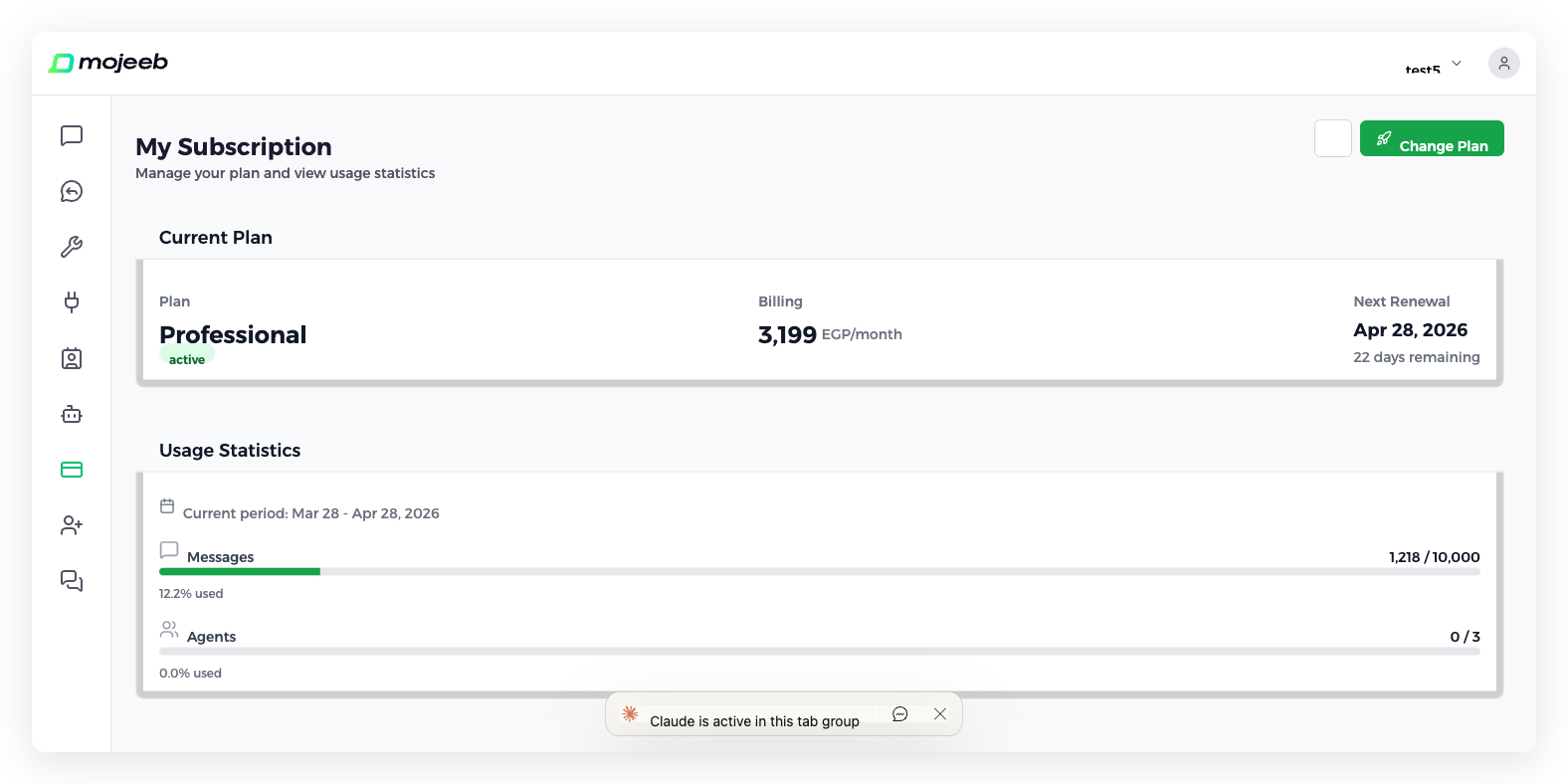
An add-on adds capacity to the current billing period of a paid plan without changing the plan: a pack of extra messages, or one more agent slot. You buy it once, on Stripe, from the Add-ons section of My Subscription; the capacity applies within seconds and ends when the period renews.
What add-ons are available?
Message packs, shown as Add N messages in several sizes, and Add agent, one extra agent slot. Each has a one-time price in your subscription's currency, USD, EGP or SAR, and the list shows only add-ons priced in your currency. The "/month" after the price only says which period the capacity belongs to; you are charged once. The same catalog is offered on every paid plan.
Who can buy add-ons?
The owner, and admins with access to All agents, on an active paid plan; while a payment is past due, update the card first. On the free plan, clicking an add-on shows Subscription required with an Upgrade Plan button. Stores billed through Shopify do not see add-ons.
How do I purchase an add-on?
- Open My Subscription and scroll to Add-ons.
- Click the add-on. Its window asks for the Quantity, 1 to 100, and shows Total Units, Total Price and the note Available until your subscription renews.
- Click Confirm to pay on Stripe's checkout page.
- Stripe returns you to Purchase Successful!, and the Messages or Agents limit under Usage Statistics rises for the current period, for example from 10,000 to 11,000.
How are add-ons billed?
As one-time purchases. The capacity is added to the current billing period's limit and disappears at renewal, when the limit returns to the plan's. Nothing renews automatically; buy again in the next period if you need it. Each period's limit, including add-ons, is visible under View History.
Changing plan in the middle of a period, by upgrading or downgrading, replaces this period's limits with the new plan's, which removes add-on capacity bought this period. Buy add-ons after changing plan.
Can I purchase multiple add-ons?
Yes. Set a quantity up to 100 in one purchase, or buy different add-ons; all capacity stacks on the plan's limit for the current period.
Common questions
Do add-ons carry over between billing periods?
No. Add-on capacity ends when the period renews, like the plan's own allowance.
Can I cancel an add-on?
There is nothing to cancel: an add-on is a one-time purchase that ends at renewal and never renews itself.
What's the difference between add-ons and upgrading?
An add-on raises one limit for one period and keeps your plan. Upgrading changes the plan for good, with higher limits every period and more features: WhatsApp, its templates, the Custom API and the Public API on every paid plan, and WhatsApp broadcasts on the Professional plan; see Plans & Pricing.
Which add-ons are available for my plan?
Every paid plan sees the same add-ons, filtered to your currency. The free plan cannot buy add-ons.
Does an extra agent slot last?
It lasts until the current period renews. An agent created on the slot is not removed, but once the slot ends you are over your agent limit and cannot add another until you buy a slot again or upgrade.